

Checking notation takes too long
Half-width and full-width characters, punctuation, and kana styles are mixed together, so final visual checks take longer than they should.
mojihen! is a text formatter for automating repeated Japanese text cleanup work. It handles width conversion, kana and alphanumeric cleanup, line breaks, delimiters, and replacement rules in one place.
Half-width and full-width characters, punctuation, and kana styles are mixed together, so final visual checks take longer than they should.

Removing stray tags, deleting duplicate lines, and aligning line breaks are repeated manually for each job.

Delimiter fixes and whitespace cleanup before pasting into spreadsheets keep eating time.

Clean up width, kana, punctuation, and line breaks together to shorten visual QA time.
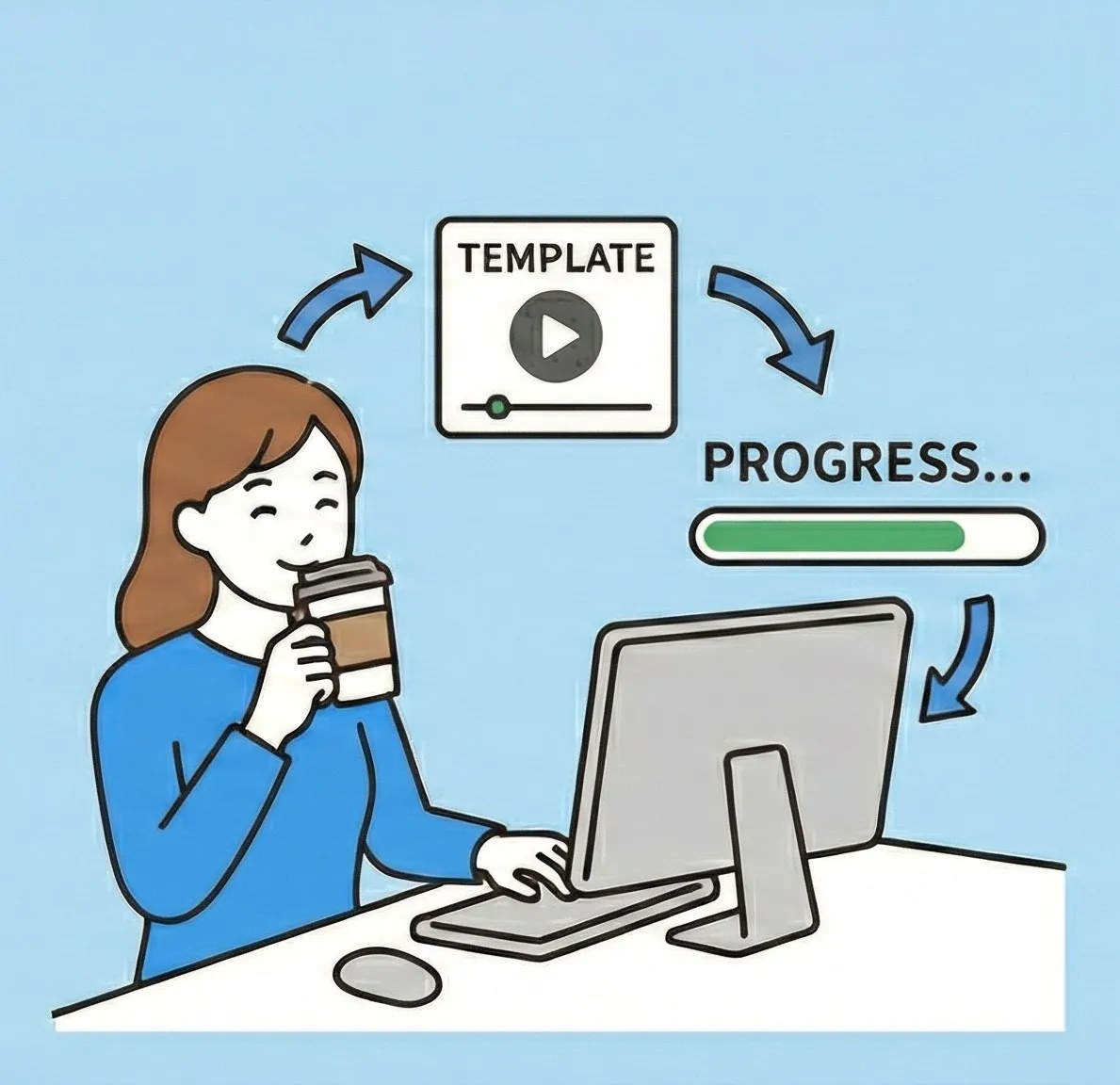
Save and reuse cleanup settings so repeated project work stays consistent without manual repetition.

Convert CSV, TSV, PSV, or spaced text as needed before pasting into Excel or another tool.
Before
ABC株式会社
サービス開始日:2026/02/21
お問い合わせ  [email protected]
After
ABC株式会社
サービス開始日:2026/02/21
お問い合わせ [email protected]
Before
<p>注文番号:00123</p>
<p>注文番号:00123</p>
 確認お願いします。
After
注文番号:00123
確認お願いします。
Unify notation, punctuation, and line breaks before publishing so fewer fixes come back after review.
Use replacement tables to keep template replies consistent across the team and shorten response time.
Clean delimiters and extra lines before imports or analysis, with less repeated preprocessing.
Step 1
Paste your text
Step 2
Adjust settings or load a saved preset
Step 3
Run the conversion and copy the result
Starting from normalization, it converts letters, numbers, kana, symbols, and brackets in a controlled order to reduce visual checking work.
Load tab-separated replacement tables as-is and reuse internal writing rules as templates.
Convert CSV, TSV, PSV, or space-separated text to match the next destination.
See what changed so reviews and proofreading can move faster.
Speed up repeated work with paste/copy shortcuts and automatic conversion options.
Share JSON settings across projects or teammates when the same formatting rules are reused.
Switch between light and dark mode and change the theme color to match your working environment.
Remove unwanted tags before converting to plain text, cutting down on pre-submission cleanup.
Remove duplicate or empty lines to tidy lists, logs, and message drafts in one step.
All conversion runs in the browser without sending data externally. Settings are stored locally.
No. Everything runs in the browser. Input text is not sent out, and settings stay in local storage.
Write each line as `before
Yes. You can export settings and share them as project-specific formatting rules.
No. It runs directly in the browser, with no installation required.
Try mojihen! on one piece of text and see whether it fits your editing workflow.
Open the app