

Form implementation feels risky
Validation, sending logic, spam protection, backend handling, and mail setup can make a simple inquiry form feel too heavy.
Vanilla Form
If you can edit HTML but do not want to build a backend or add another form service, Vanilla Form helps you reshape Google Forms into HTML that fits your site.
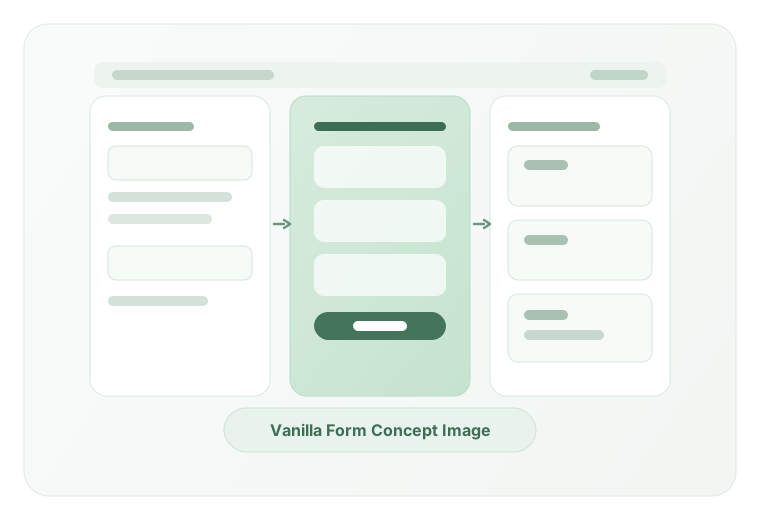
Problem
Validation, sending logic, spam protection, backend handling, and mail setup can make a simple inquiry form feel too heavy.

You still need a good inquiry flow, but paying for another service is hard to justify.

The default embed often breaks the visual consistency and UX of the page.
Solution

No mail server or PHP runtime is required. It can work even on simple static hosting.

Because it uses Google Forms, you can avoid contracting another dedicated form service.

Reduce the default Google Form feel and make the generated form fit your own page more naturally.
Flow
Step 1
Prepare a Google Form and copy its share URL or embed code.
Step 2
Load the URL or iframe code and adjust the output for your site.
Step 3
Add the generated HTML to your page and upload it to the server you already use.
Feature
Start with the essentials
Load a shared URL or iframe code and start editing the form fields.
Tweak labels, placeholders, required fields, and visibility on screen before exporting the HTML.
Use inline completion, a dialog, or a thank-you page depending on the flow you want.
Use these when you need them
Configure analytics events for successful submissions from the same builder.
Control the text and URL for the policy link from the builder and reflect it below the form.
Add a honeypot field and a minimum wait time before submission.
FAQ
Some processing runs server-side while loading the form, but URLs and builder settings are not stored.
Yes. Shared URLs, `viewform` URLs, and iframe embed codes are all supported.
No. Vanilla Form supports Google Forms that can be answered without signing in. If you use settings such as one-response limits, verified email collection, respondent restrictions, or file-upload questions, use the original Google Form instead.
Yes. You can paste the generated HTML into a Custom HTML block without needing a plugin.
The generated form submits to Google Forms (`formResponse`), so you can run it without adding PHP or a mail server.
Load a Google Form URL and generate HTML that feels native to your site.
Build your form