

Text takes too much work before the next step
Mixed widths, punctuation, and kana styles make the final visual check take longer than it should.
TexTend is a tool for making text easier to work with. Tend to width, kana, alphanumerics, line breaks, replacement rules, and delimiters, then pass the result to your next task.

Mixed widths, punctuation, and kana styles make the final visual check take longer than it should.

Removing stray tags, deleting duplicate lines, and aligning line breaks are repeated manually for each job.

Delimiter and whitespace fixes before pasting into a spreadsheet keep slowing down the next task.

Align width, kana, punctuation, and line breaks together so the text is easier to review.
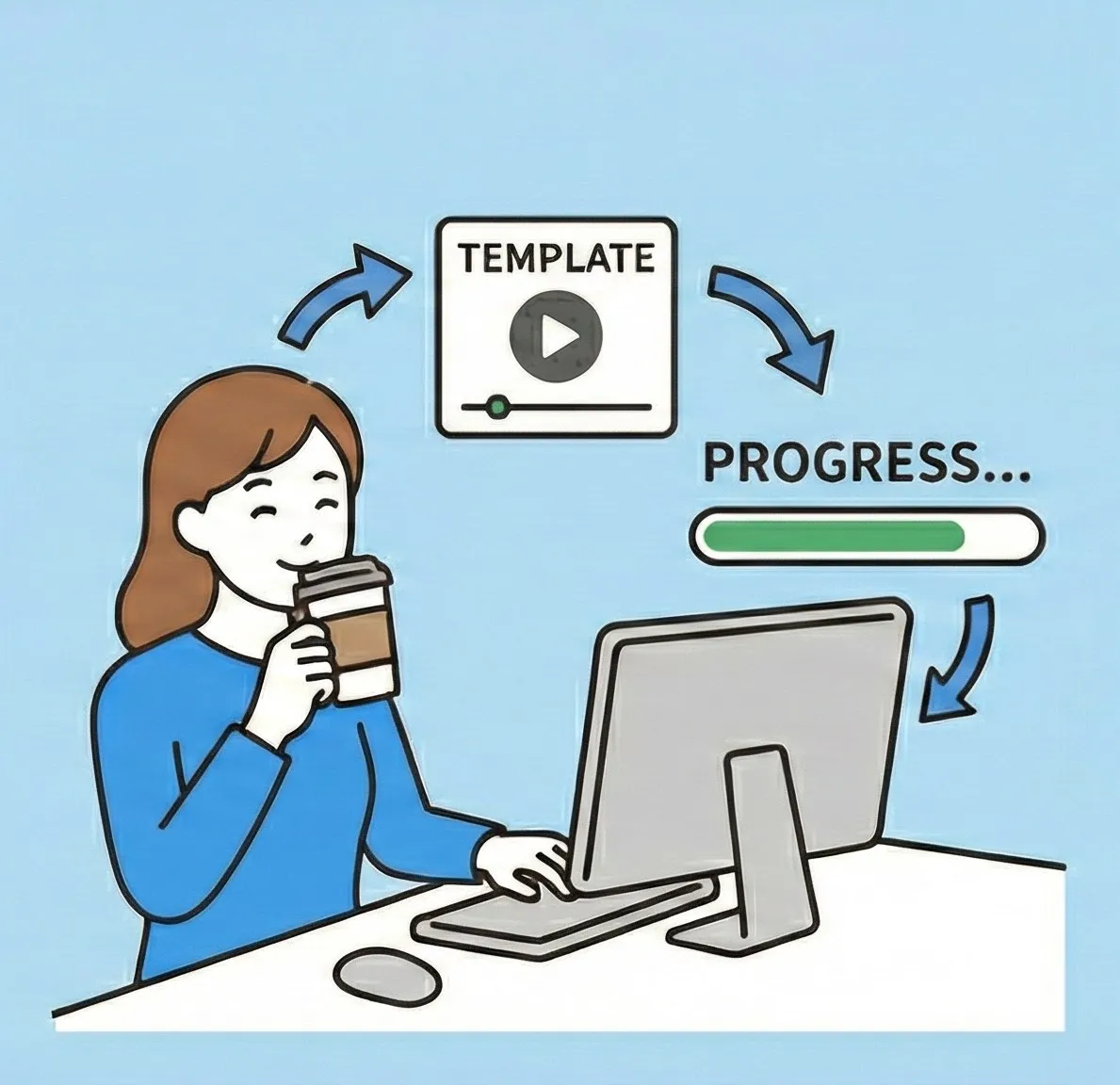
Save and reuse settings so project text stays consistent without repeating the same manual work.

Convert CSV, TSV, PSV, or spaced text as needed before pasting into Excel or another tool.
Before
ABC株式会社
サービス開始日:2026/02/21
お問い合わせ  [email protected]
After
ABC株式会社
サービス開始日:2026/02/21
お問い合わせ [email protected]
Before
<p>注文番号:00123</p>
<p>注文番号:00123</p>
 確認お願いします。
After
注文番号:00123
確認お願いします。
Step 1
Paste your text
Step 2
Tend to it with your rules or settings
Step 3
Review the result and move it to the next step
Unify notation, punctuation, and line breaks before publishing so fewer fixes come back after review.
Use replacement tables to keep template replies consistent across the team and shorten response time.
Clean delimiters and extra lines before imports or analysis, with less repeated preprocessing.
Tend to mixed character styles in a controlled order so the text is easier to review and use.
Load tab-separated replacement tables and reuse internal writing rules for consistent handoffs.
Convert CSV, TSV, PSV, or space-separated text to match the next destination and reduce paste-time adjustments.
Remove unwanted tags before converting to plain text, leaving the content easier to pass into the next tool.
Remove duplicate or empty lines to make lists, logs, and message drafts easier to use.
See where TexTend tended to the text so reviews and proofreading can move with confidence.
Make repeated tending lighter with paste/copy shortcuts and automatic conversion options.
Share JSON settings across projects or teammates when the same tending rules are reused.
All conversion runs in the browser without sending data externally. Settings are stored locally.
Switch between light and dark mode and change the theme color to match your working environment.
It combines Text and Tend: taking care of text, making its notation and format easier to use in the next step.
No. Everything runs in the browser. Input text is not sent out, and settings stay in local storage.
Write each line as `before
Yes. You can export settings and share them as project-specific formatting rules.
No. It runs directly in the browser, with no installation required.
Paste some text and compare the result right away.
Open the app